Zalo OA Integration
This guide will help you connect your Zalo Official Account (OA) with Conductify AI. Follow these steps to ensure a smooth and successful integration process.
Prerequisites
Note
- Zalo Official Account: Ensure that you have an active and verified Zalo OA.
- OA Admin Rights: You need administrative privileges to manage the OA.
Setup Steps
Step 1: Access Zalo OA Integration
- Access to Conductify AI Studio
- Navigate to Integrations tab in the left menu.
- Click Add Integration or select Zalo OA from the list.
- Channel ID will be Zalo OA ID.
Step 2: Grant Access
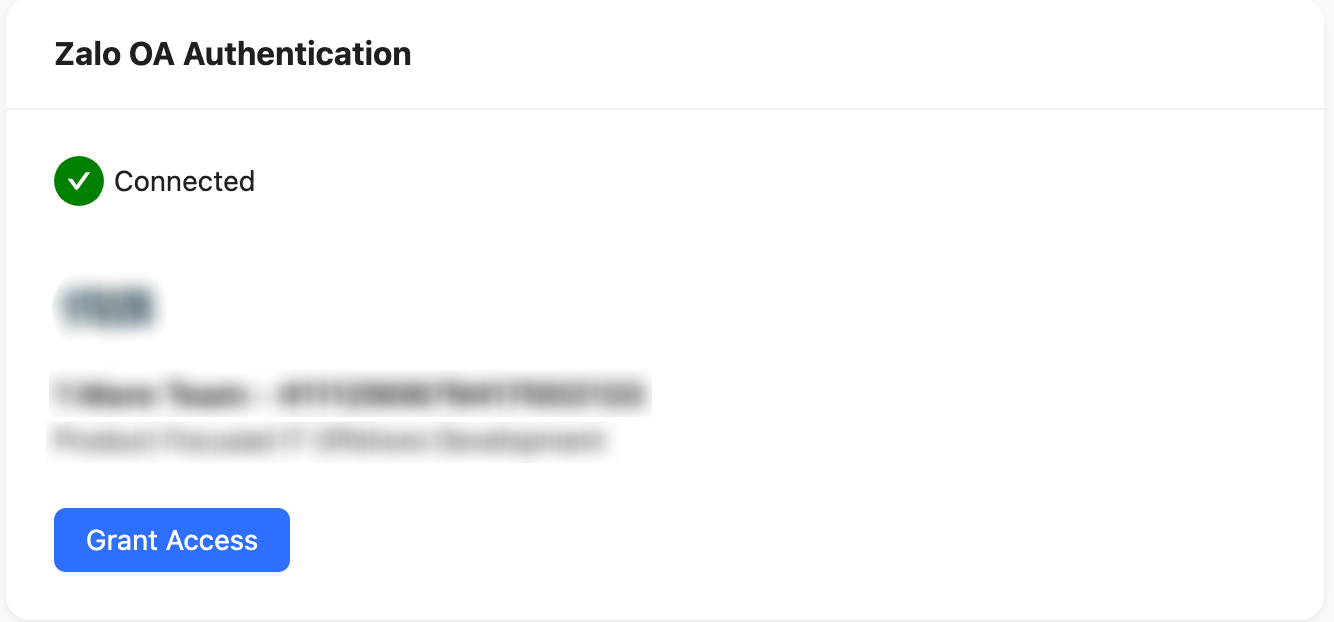
- After completing the initial setup, click the Grant Access button (as shown below).

- Your browser will redirect to Zalo's permission page to review the requested permissions.
Step 4: Confirm Authorization
- On Zalo's permission page, confirm and grant the necessary permissions.
- After authorizing successfully, the browser will automatically return to the Conductify AI Studio.
- You will see a success icon indicating that the connection has been established (as shown below).
Step 5: Complete Integration
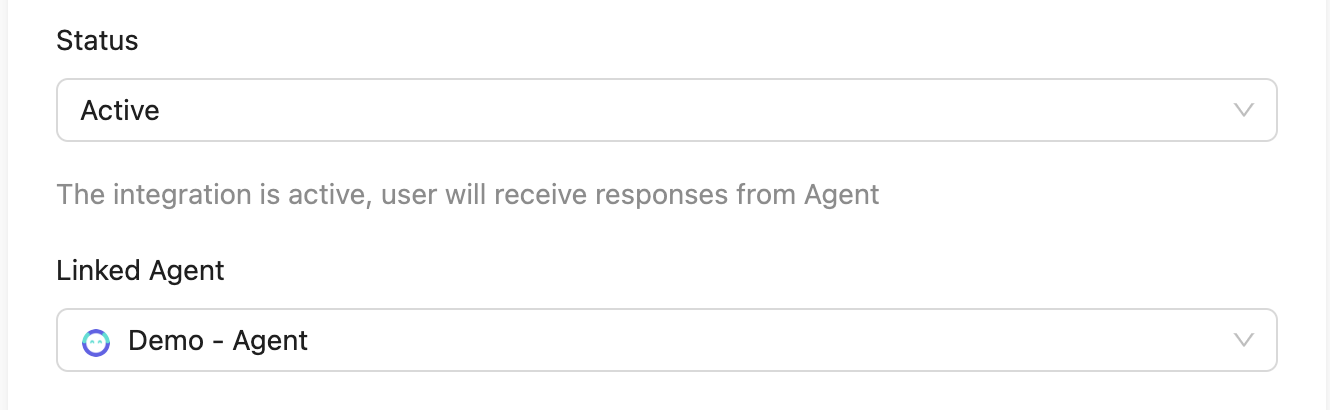
- Ensure your Agent is linked.
- Set the integration status to Active.
- Once these steps are completed, the system will automatically process through the connected Zalo OA.